Meshviewer
A downloadable tool for Windows and macOS
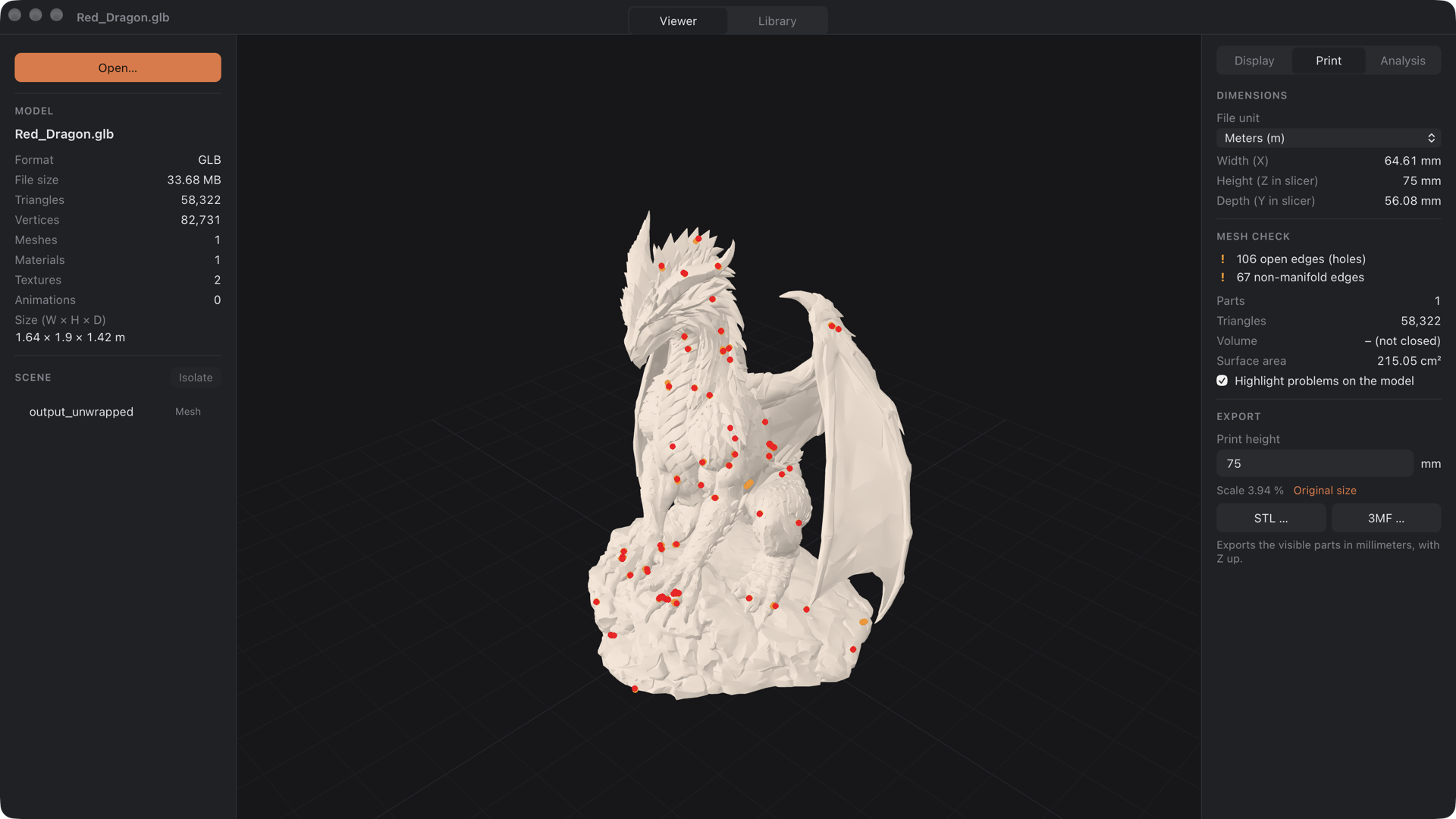
Meshviewer is a fast, native 3D model viewer for macOS and Windows. Drop in a GLB, glTF, STL, OBJ or 3MF file and inspect it right away – whether it's a game asset, a miniature for your resin printer or a model from your archive.
Everything runs locally: no account, no upload, no telemetry. Your files never leave your computer.
Viewing
- Opens GLB, glTF (with external files), STL, OBJ (+MTL) and 3MF – including Draco, Meshopt and KTX2 compression
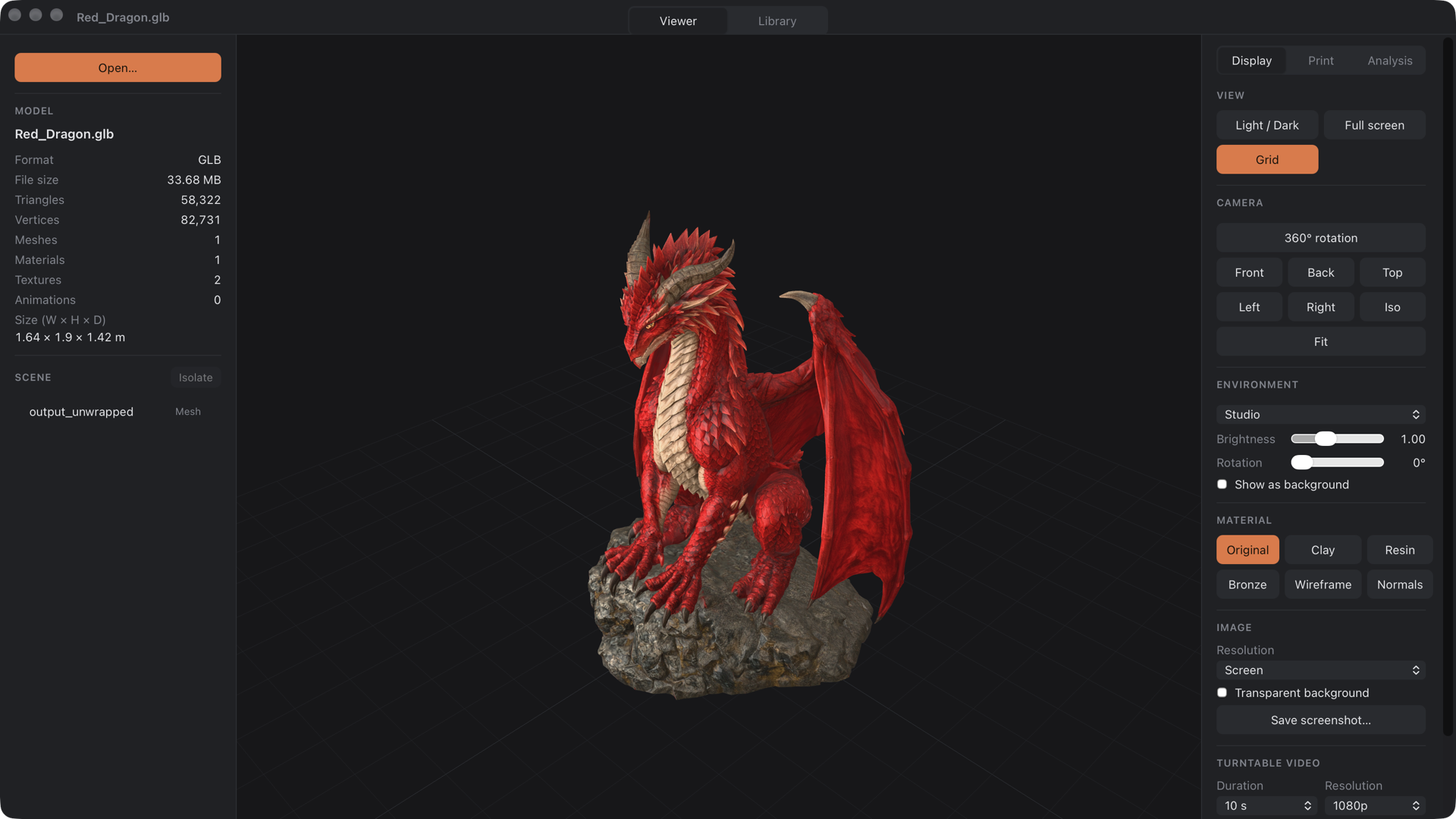
- Orbit, pan, zoom, camera presets and smooth "fit to view"
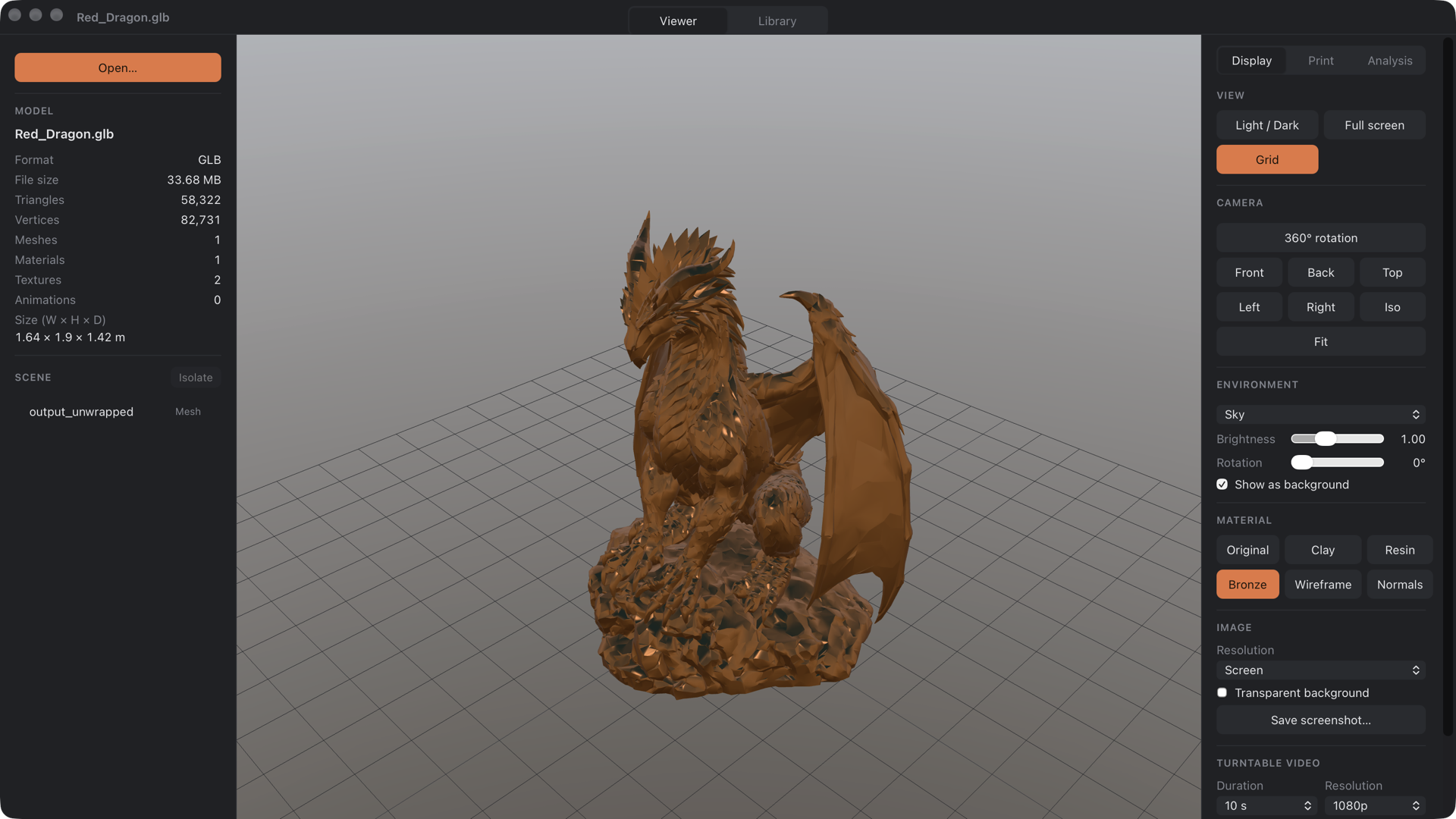
- Studio, softbox, sky and neutral lighting, optionally as background
- Material presets: original, clay, resin, bronze, wireframe, normals
- Scene tree: show, hide, select and isolate parts
- Plays animations with a timeline and adjustable speed
For game developers
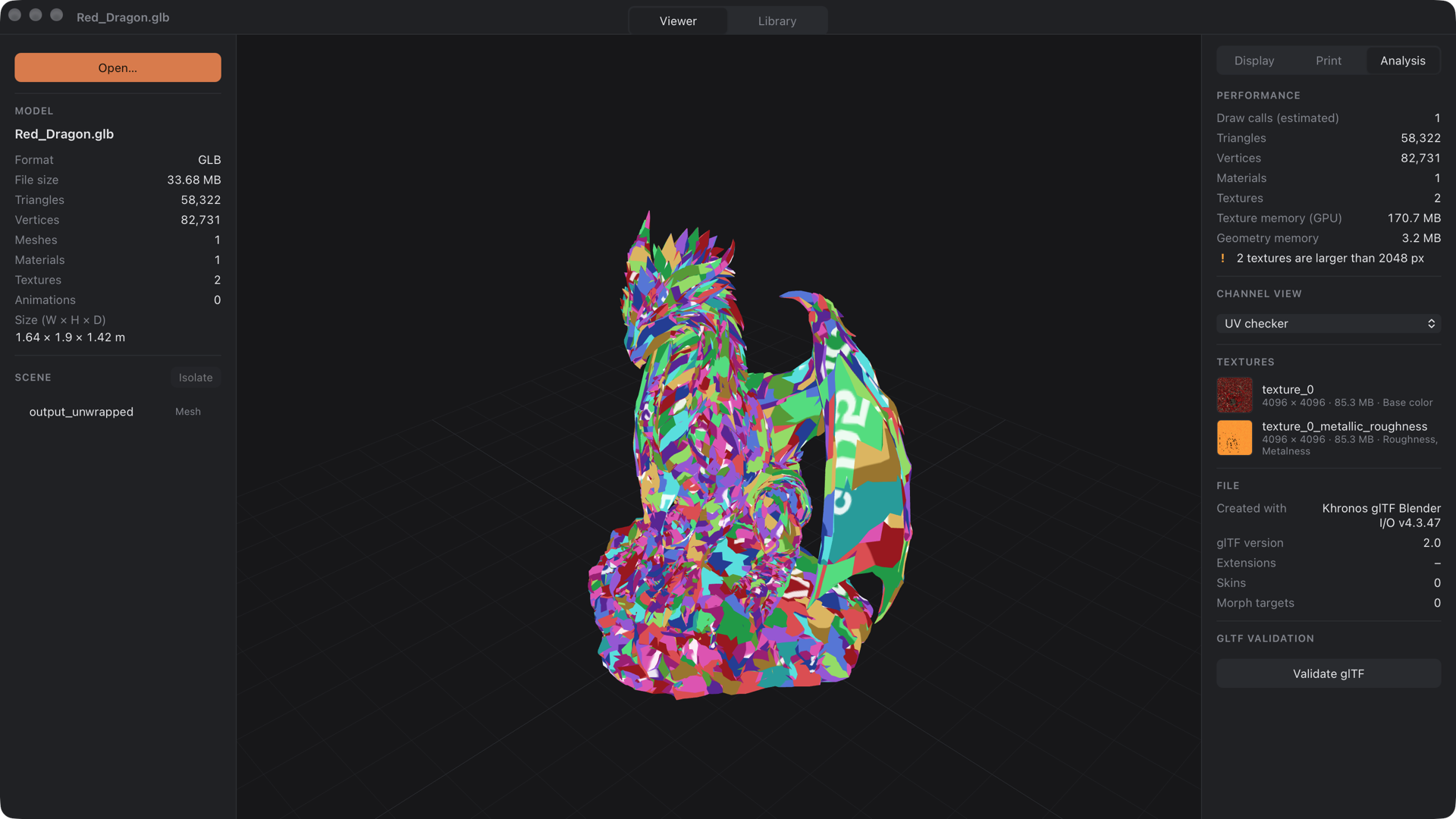
- Draw calls, texture and geometry memory, texture list with previews
- Channel views: base color, normal map, roughness, metalness, ambient occlusion, UV checker
- glTF validation with the official Khronos glTF Validator
For 3D printing
- Real-world dimensions in millimeters, with the file unit adjustable
- Mesh check: holes, non-manifold edges, inverted normals, separate parts, volume (resin estimate) and surface area – problems are highlighted on the model
- Export visible parts as STL or 3MF at a target height (e.g. 32 mm miniatures)
Library
- Add your project and archive folders – Meshviewer keeps them up to date
- Thumbnails, search, format filters and sorting
Export
- Screenshots up to 8K, optionally with transparent background
- Turntable videos (MP4, 60 fps, 1080p or 4K)
macOS extras
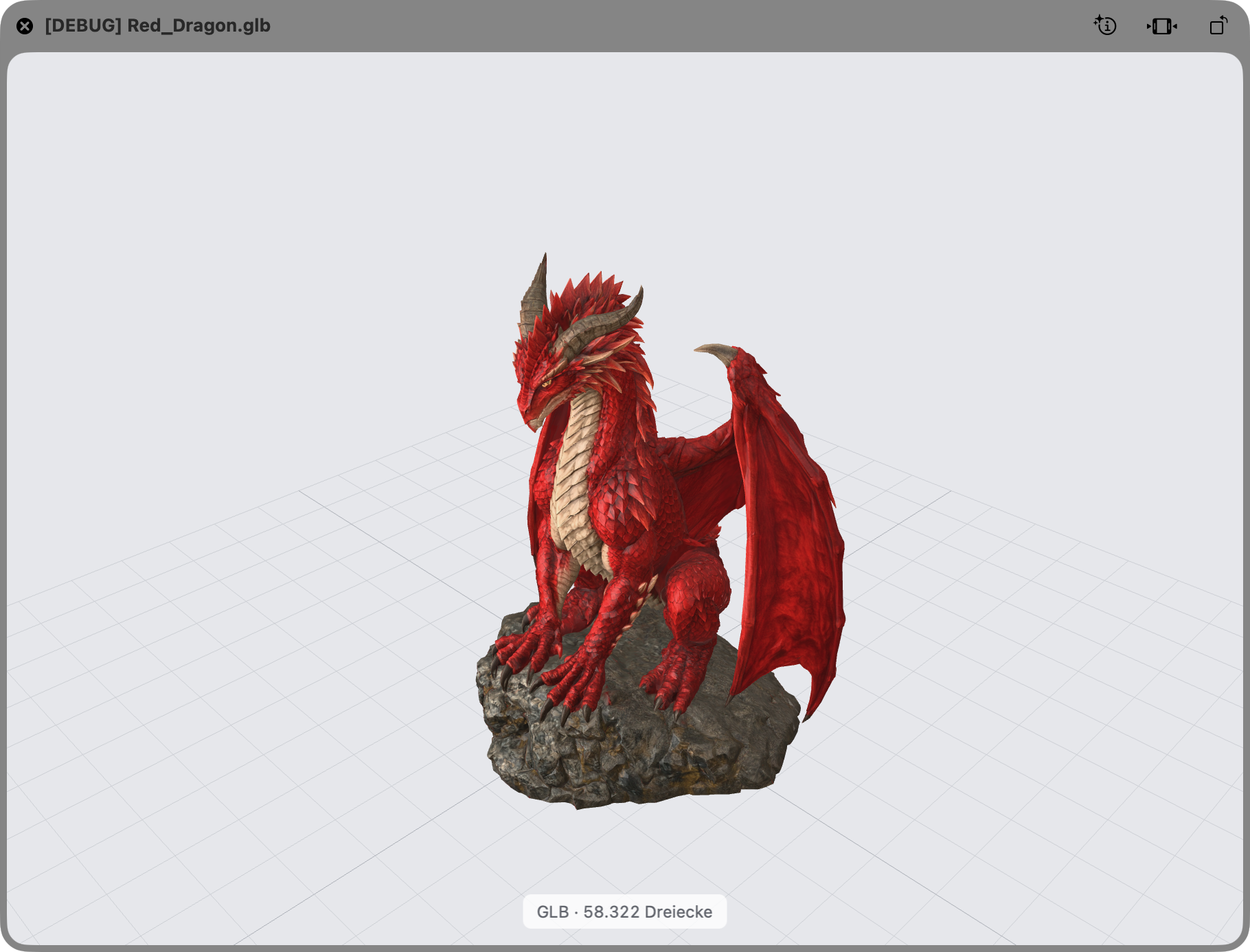
- Quick Look: press Space in Finder to preview GLB, glTF and 3MF files in 3D
Requirements
- macOS 13 or newer on Apple Silicon (M1 or later)
- Windows 10 or 11, 64-bit
Installation
Meshviewer isn't code-signed yet, so your system will warn you on first launch:
- macOS: open the app once, then go to System Settings → Privacy & Security and click Open Anyway. For Quick Look, start the app once after installing.
- Windows: if SmartScreen appears, click More info → Run anyway.
Status
Meshviewer is in active development. Feedback, bug reports and feature ideas are very welcome in the comments!
Available in English and German. Built with open-source software – see Help → Third-Party Licenses in the app.
---
Deutsch
Meshviewer ist ein schneller 3D-Viewer für macOS und Windows – für GLB, glTF, STL, OBJ und 3MF. Mit Werkzeugen für Game-Dev (Draw Calls, Texturspeicher, Kanal-Ansichten, glTF-Validierung) und 3D-Druck (Maße in mm, Mesh-Prüfung, Export als STL/3MF in Zielhöhe), einer Bibliothek für deine Modellordner, Screenshots bis 8K und Turntable-Videos. Alles läuft lokal, ohne Konto und ohne Upload. Die App ist auf Deutsch und Englisch verfügbar.
Installation: Meshviewer ist noch nicht signiert. macOS: App einmal öffnen, dann unter Systemeinstellungen → Datenschutz & Sicherheit auf Trotzdem öffnen klicken. Windows: bei der SmartScreen-Warnung Weitere Informationen → Trotzdem ausführen.
Download
Click download now to get access to the following files:
Development log
Leave a comment
Log in with itch.io to leave a comment.